Access Matricula from your terminal.
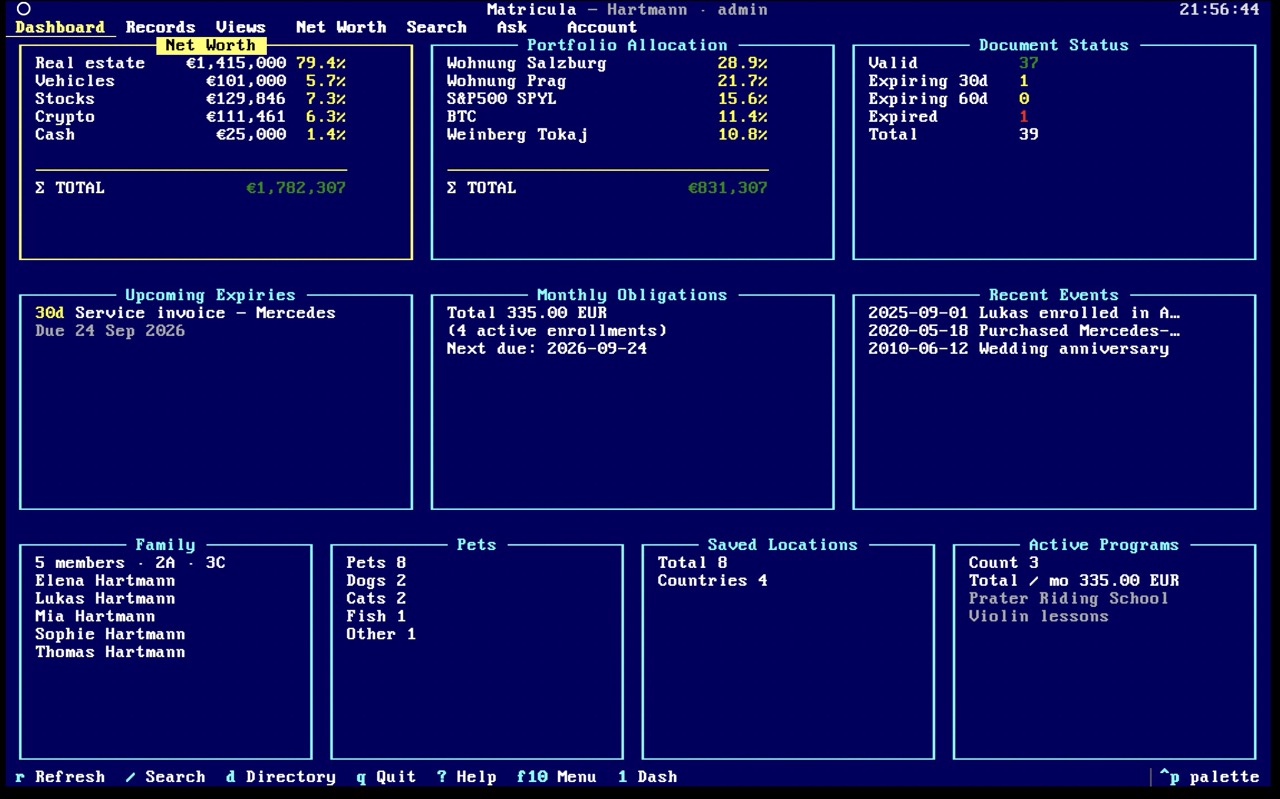
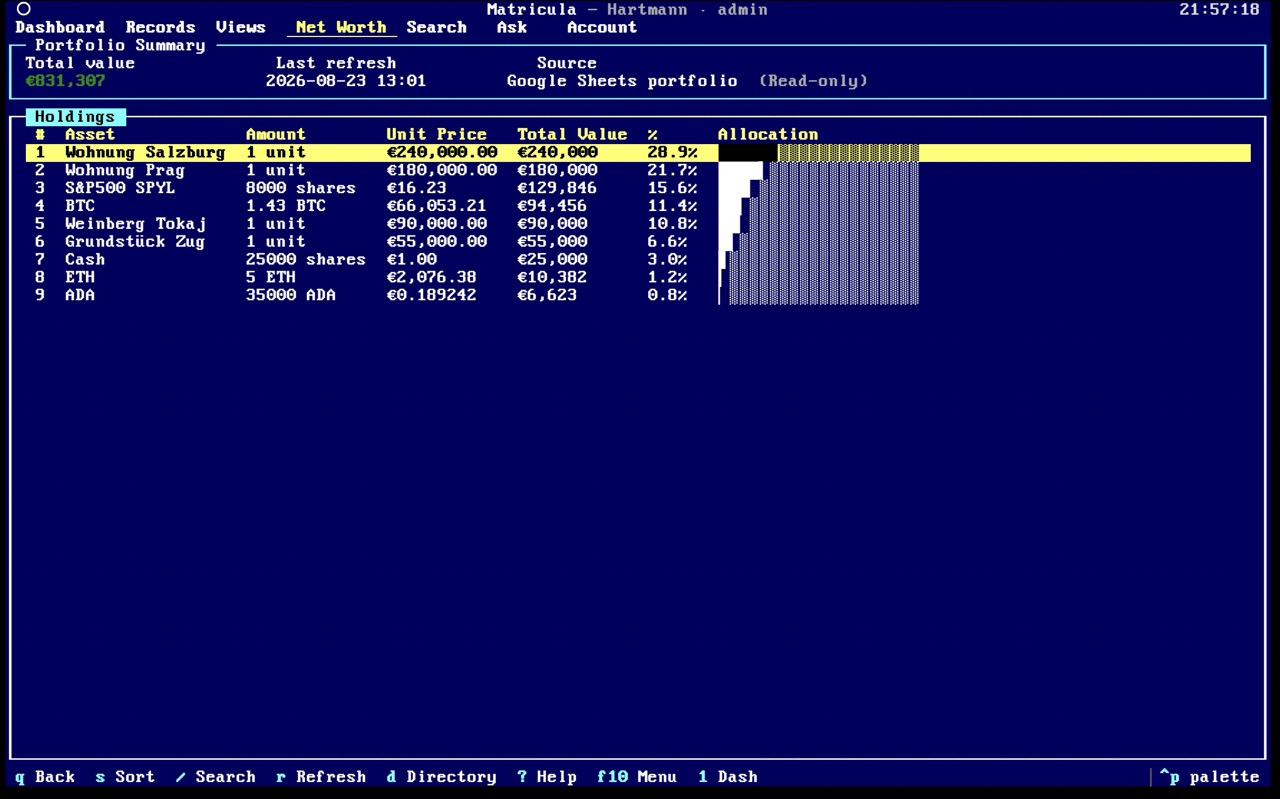
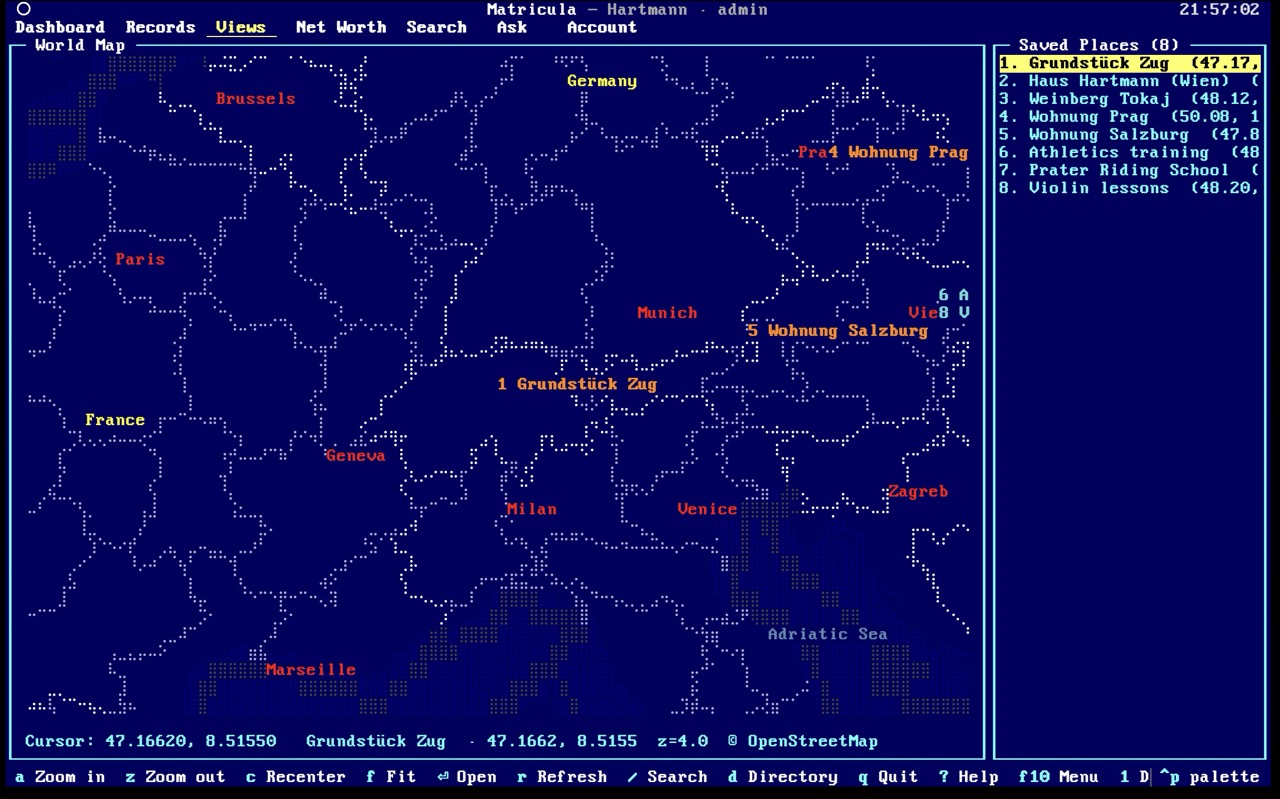
The same family knowledge graph in a keyboard-driven terminal viewer — fast navigation, concealed sensitive values, and a calm interface for power users.
Choose your platform to download
Recommended: Homebrew
Install the Matricula console with Homebrew (taps automatically):
brew install mcicak/tap/matriculaAlternative downloads
Getting started
Install
Use Homebrew or download a release archive for your Mac.
Run
matriculaStart the app from your terminal by running
matricula.Sign in
Use your Matricula account to access your family data.
Keyboard-driven navigation
Move quickly through people, assets, documents and more.
Concealed sensitive values
Sensitive information stays hidden by default.
One account, two surfaces
Your data stays in sync with the web app.
Calm, fast interface
A focused, keyboard-first experience built for power users.
Requirements
macOS 13+
Intel or Apple Silicon (ARM64)
Linux
x86_64 / ARM64
Most modern distributions
Windows 11+
x86_64
Windows Terminal recommended
Recommended terminals
iTerm2, Ghostty, Kitty, Windows Terminal
Internet connection required for sign-in.